Ad library Chrome extensions: what they add on top of Meta Ad Library
An ad library Chrome extension adds controls, not data: sorting, filters, saved advertisers and downloads for ads the Meta Ad Library already shows. Ad Library Helper is free, its vendor says. Ads Insight Pro’s free plan exports 100 ads a day.
| Tool | Works on | What it adds | Cost and access (as stated, read 11 November 2026) |
|---|---|---|---|
| Ad Library Helper | Meta Ad Library web page only, in Chrome, Edge or Brave | Filters, impression sorting, saved advertisers and bulk download on the library page | $0, no account (vendor’s claim) |
| Ads Insight Pro | Google Ads Transparency Center only, not Meta (Chrome, Firefox, Edge) | Batch export to CSV/Excel, plus filters, brand grouping and text-ad screenshot analysis | Free plan; Pro $12.90/mo; Enterprise $39.90/mo |
| Meta Ads Archive API (official, not an extension) | Meta Ad Library data. Commercial ads come back only if they reached the EU | Keyword search with filters from your own code. The response has no impression or spend fields | Access token required. Meta’s documentation lists no price |
What a Facebook ads library extension actually adds
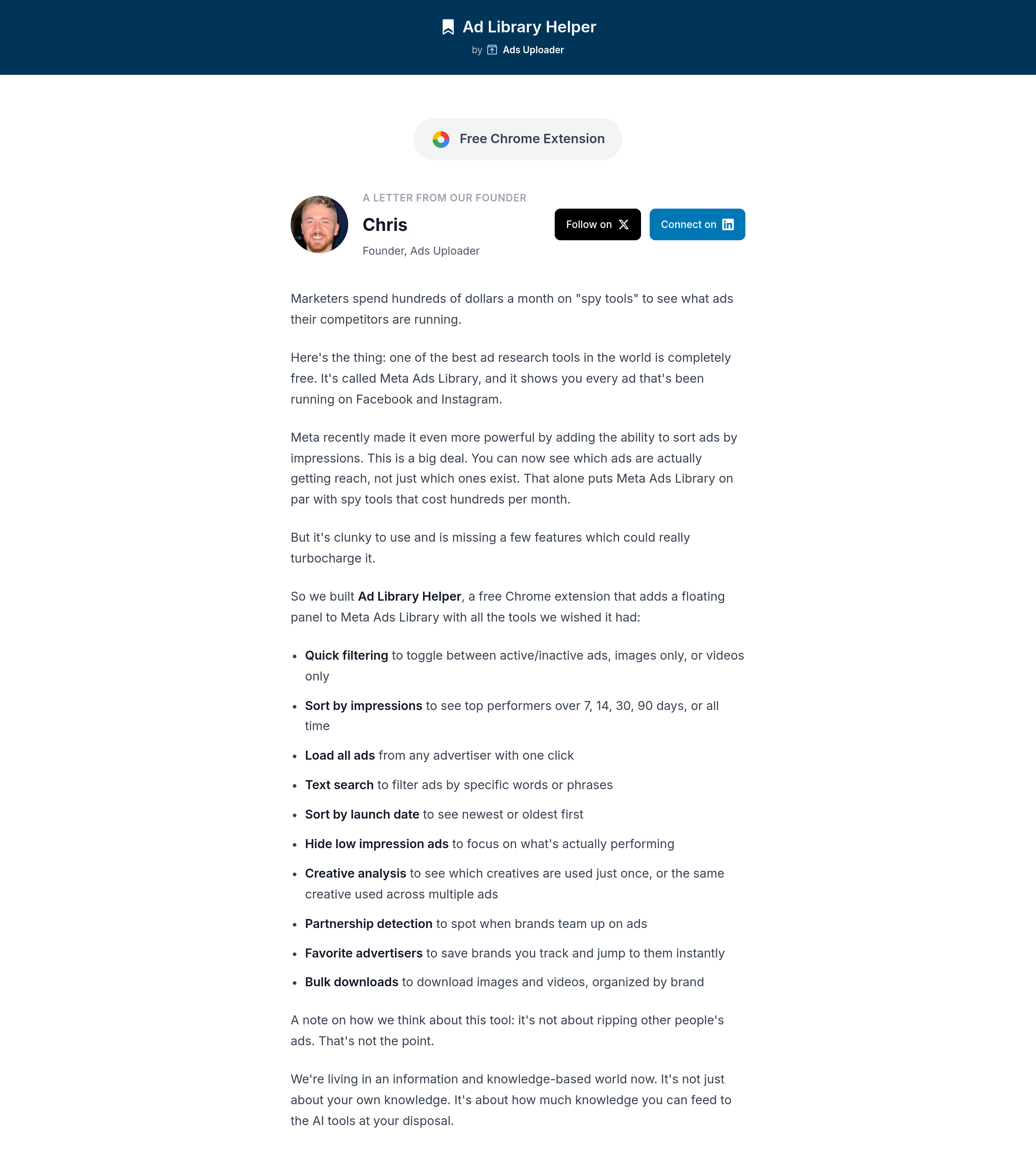
Section titled “What a Facebook ads library extension actually adds”A Facebook ads library extension adds no new ads or metrics. It works with the ads and impression ranges already shown on the Meta Ad Library page. What it adds is a set of controls the native page doesn't have. Ad Library Helper puts a floating panel next to the results. From that panel you can:
- switch between active and inactive ads, or show only images or only videos
- search the text of the ads already loaded
- sort by launch date, or by impressions over 7, 14, 30 or 90 days or all time
- load every ad from an advertiser in one click
- hide low-impression ads
- separate creatives used once from creatives reused across several ads
- flag partnership ads
- save advertisers as favorites
- bulk-download images and videos into folders by brand
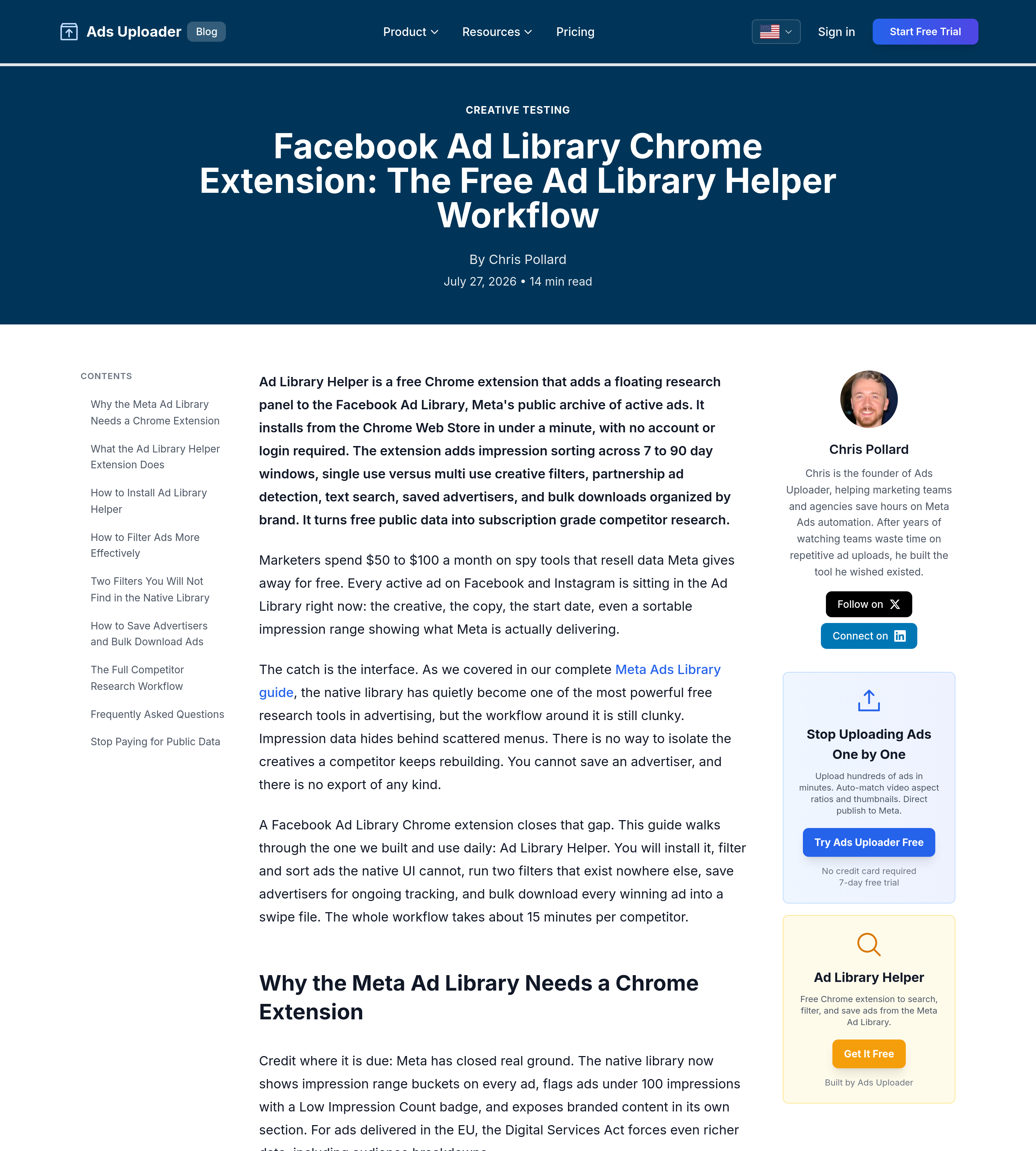
All of this comes from Ads Uploader, which makes the extension and also sells a tool for launching Meta ads in bulk. Our sources were its product page and its blog post. We didn't run the extension, so treat everything in this section and the next two as the vendor's claims.
How to install the Ad Library Helper Chrome extension in 3 steps
Section titled “How to install the Ad Library Helper Chrome extension in 3 steps”These steps come from the vendor's blog post of 27 July 2026.
- Add it from the Chrome Web Store. Click Add to Chrome and confirm. Edge and Brave install it from the same listing.
- Open the Meta Ad Library. Pick a country, leave the category on All ads, and search for an advertiser or keyword. You don't need to log in to Facebook.
- Check that the panel appears over the results. If the tab was already open when you installed the extension, refresh it once.
The vendor’s workflow for researching one competitor
Section titled “The vendor’s workflow for researching one competitor”This is the order Ads Uploader suggests in the same post. We haven't tested it ourselves.
- Search for the advertiser with the country set to their main market. The library only shows ads delivered in the country you pick.
- Load all of their ads in one click, not just the first screenful.
- Hide low-impression ads, then sort by impressions over the last 30 days.
- Filter to creatives reused across several ads, then look at partnership ads separately. A third-party archive such as Spytrend offers the same sort by creative reuse through an advertiser search, without an extension (on 16 November 2026 a Zalando search for Germany returned one creative reused in 417 ads).
- Save the advertiser as a favorite, then bulk-download the ads that are left.
Limits of a Facebook ad library Chrome extension
Section titled “Limits of a Facebook ad library Chrome extension”- No spend or targeting. The vendor says spend and targeting aren't available for most ads. Impressions show up only as ranges.
- Privacy is unverified. The vendor says the extension collects nothing. We haven't checked the privacy disclosure on its Chrome Web Store listing, so read it before you install.
- Similar names. Searches such as "ad library cloud chrome" turn up several extensions with similar names. The vendor warns that these tools aren't related to each other. Check who publishes an extension before you add it. This page covers only the one at adlibraryhelper.com.
Is there a Google Ads Transparency extension?
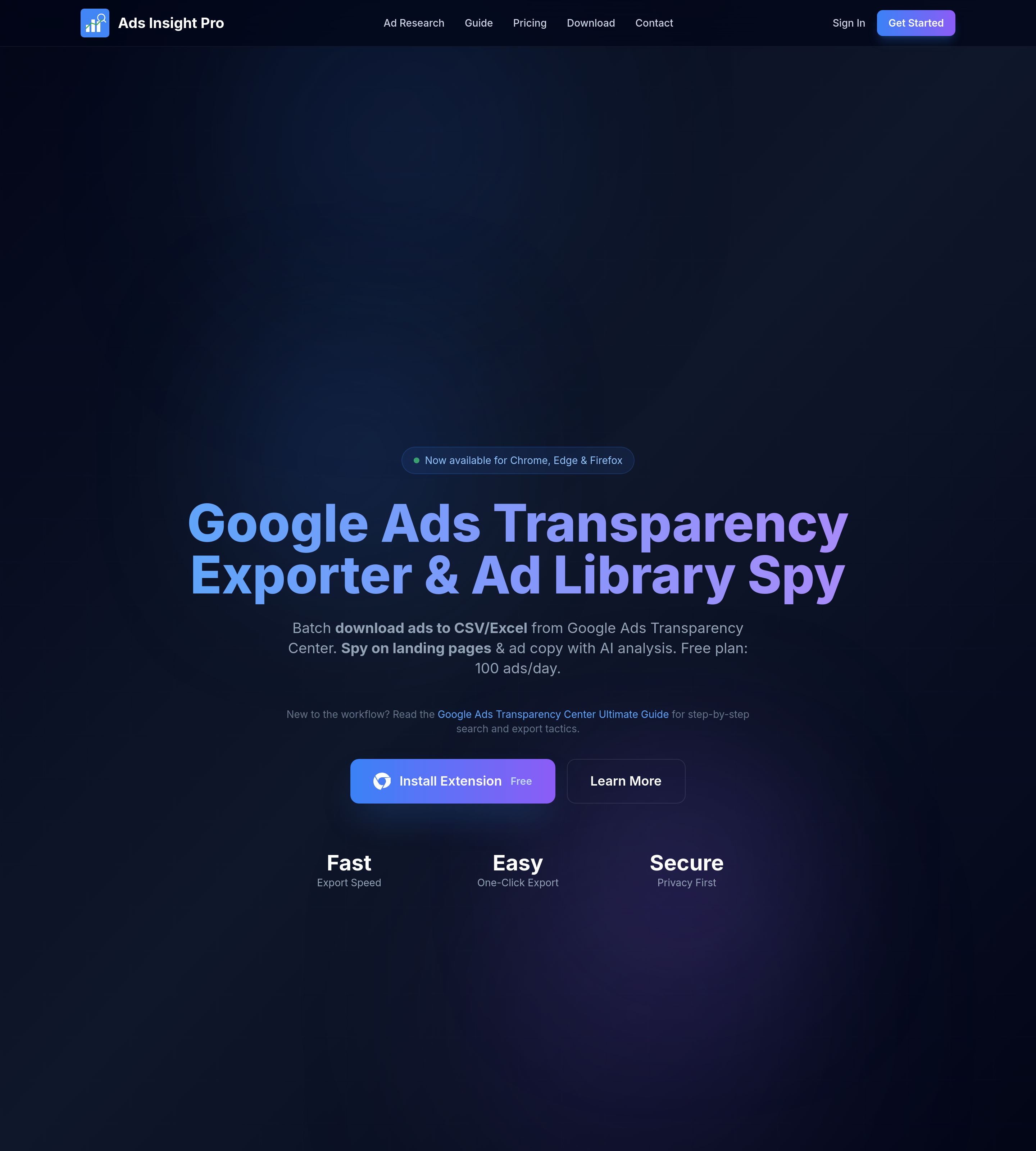
Section titled “Is there a Google Ads Transparency extension?”We didn't find an official extension from Google. A web search on 11 November 2026 turned up only third-party tools. We read the page of one of them, Ads Insight Pro. It works only with the Google Ads Transparency Center and runs in Chrome, Firefox and Edge.
This Google Ads Transparency extension is built around batch export to CSV or Excel. It also has extras: filters by region, date and format, brand grouping across several advertiser accounts, and analysis of text-ad screenshots. Its quota counts the ads in each export. The free plan allows 100 ads a day in CSV, with 12 data fields, on one device. Pro raises the limit to 5,000 ads a day and adds JSON and XLSX. Enterprise raises it to 50,000.
When the official API is the better fit
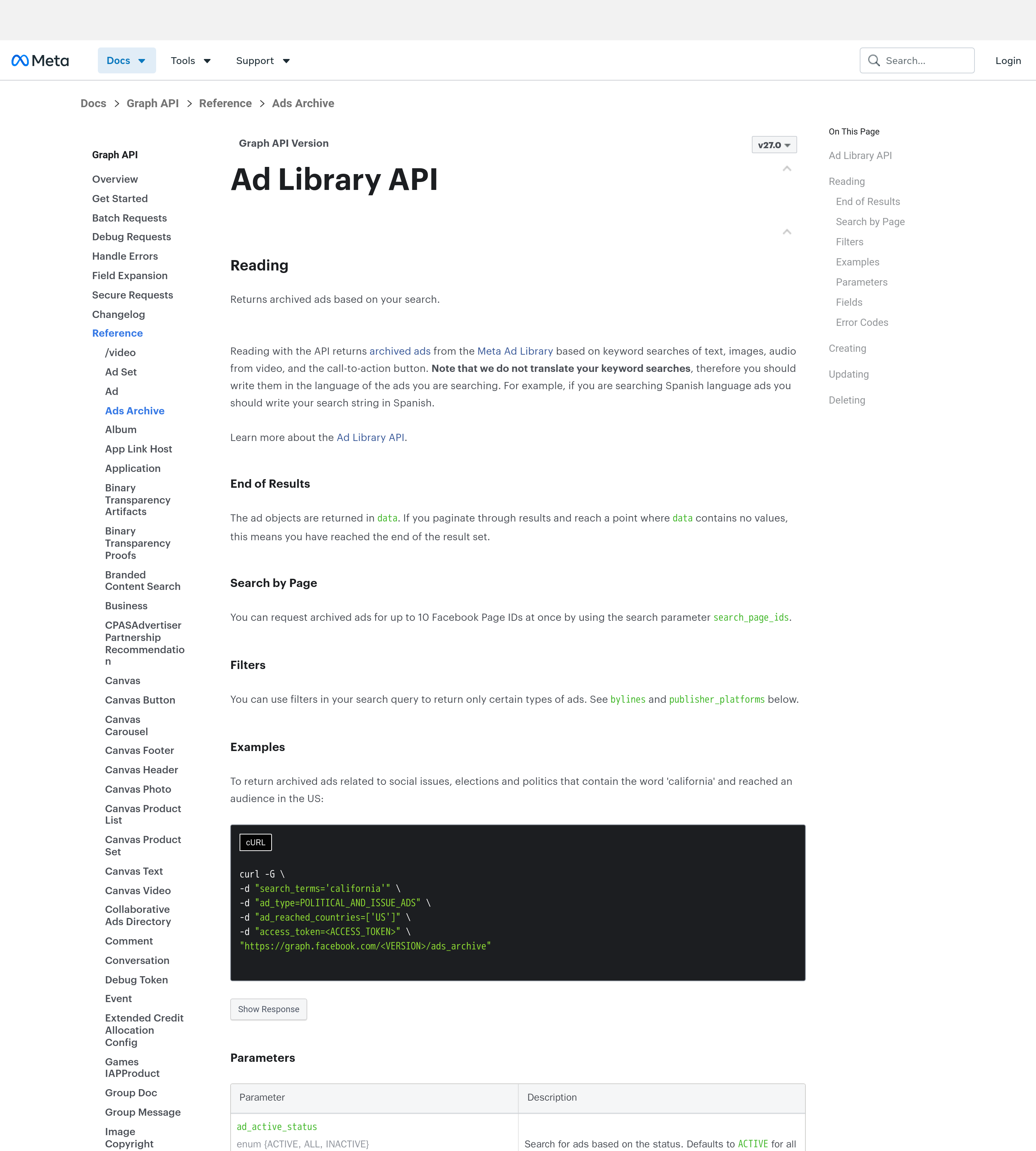
Section titled “When the official API is the better fit”Meta's Ads Archive endpoint searches Ad Library ads by keyword. It looks through the ad text, the images, the audio from videos and the call-to-action button. You can filter by status, delivery dates, country, ad type, platform, language and media type. Meta's documentation sets these rules:
- Non-EU commercial ads are left out. Ads that didn't reach any EU location come back only if they're about social issues, elections or politics.
- You need an access token, and you have to set the ad_reached_countries parameter.
- The documented response contains only data and paging. It has no impression or spend fields. The byline, region and audience-size filters work only on political and issue ads.
The API is the right choice for repeatable queries from your own code on EU-delivered or political ads. An extension works on any ad the library web page shows, and that includes the page's impression ranges, which the API doesn't return.
Do I need a Facebook account to use a Facebook ads library Chrome extension?
Section titled “Do I need a Facebook account to use a Facebook ads library Chrome extension?”Not for Ad Library Helper. Its vendor says the library and the extension both work when you’re logged out. You can log in if you like. The vendor says that may reduce the “temporarily blocked” errors that heavy searching sets off in Meta’s library, but no feature of the extension needs a login.
Does Ad Library Helper work in Firefox or Safari?
Section titled “Does Ad Library Helper work in Firefox or Safari?”No. Its vendor says it runs only in Chromium browsers. Chrome, Edge and Brave all install it from the same Chrome Web Store listing, but Firefox and Safari use different extension systems. If you use Firefox with Google’s Transparency Center, Ads Insight Pro says it supports Firefox.