How to download ads from Facebook Ad Library (what Meta lets you save)
Meta has no download button: on 30 October 2026 the card menu offered only Copy ad link, so videos and images are saved through your browser. The Ad Library Report exports political and issue ads only; the API adds one year of UK/EU commercial ads.
| What you want to save | Does Meta give a button? | Route that remains |
|---|---|---|
| Link to one ad | Yes | Card menu “⋯” → Copy ad link; for commercial ads outside the EU/UK it shows the ad only while it runs |
| Video file | No | Browser: open the video in a new tab → Save video as (file address is temporary) |
| Image file | No | Browser: right-click → Save image as, or open in a new tab |
| Ad text and details | No | See ad details window: copy by hand or screenshot |
| Bulk data (CSV) | Only for social issue, election and political ads | Ad Library Report → Download report |
| Programmatic access | Limited | Ad Library API: political and issue ads worldwide; any ad type delivered to the UK/EU in the past year |
What we checked on 30 October 2026
Section titled “What we checked on 30 October 2026”We opened the Meta Ad Library without logging in, with the country set to United States, in an English-language browser on 30 October 2026, and checked two active ads: one video and one image. Two ads are enough to see what the interface offers, not a survey of every ad format. We did not test third-party downloader extensions and do not recommend them.
Step 1: Find the ad and note its Library ID
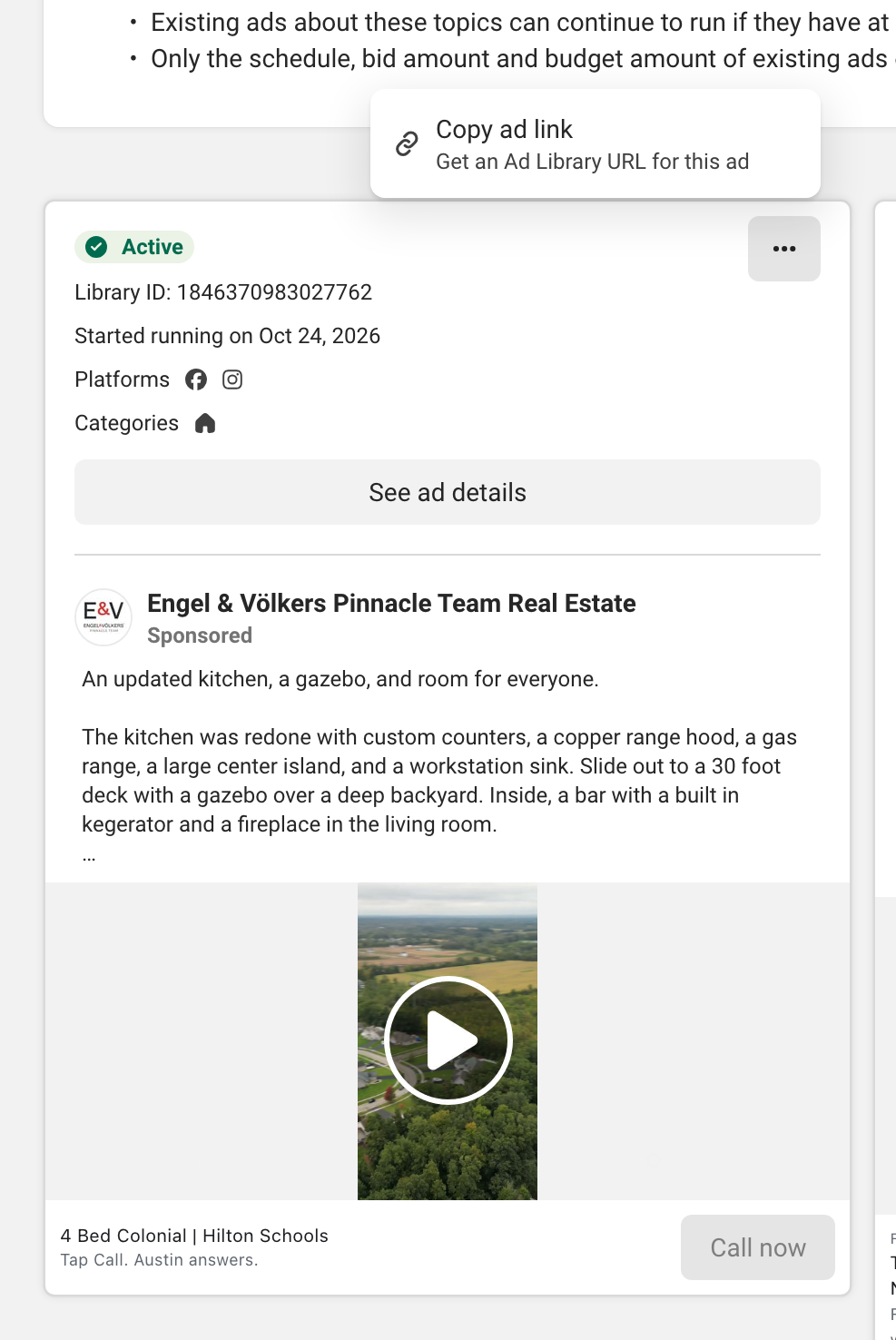
Section titled “Step 1: Find the ad and note its Library ID”Search the library and open the ad card. Our video example: Engel & Völkers Pinnacle Team Real Estate, Library ID 1846370983027762, started running on 24 October 2026, video length 1:48. Write the Library ID down: it is the number in the ad's Library URL, and every ad returned by the API carries it.
Step 2: Open the “⋯” menu — Copy ad link is the only option
Section titled “Step 2: Open the “⋯” menu — Copy ad link is the only option”Click the "⋯" menu on the card. Its only item was "Copy ad link" ("Get an Ad Library URL for this ad"); there is no Download or Save item, and the image ad in step 5 had the same single item. The link has the form facebook.com/ads/library/?id= followed by the Library ID. It points to the ad, it is not a copy of it: for a commercial ad shown outside the EU and UK, the link shows the ad only while the ad is running (see "Save early" below).
Step 3: Open See ad details and copy the text
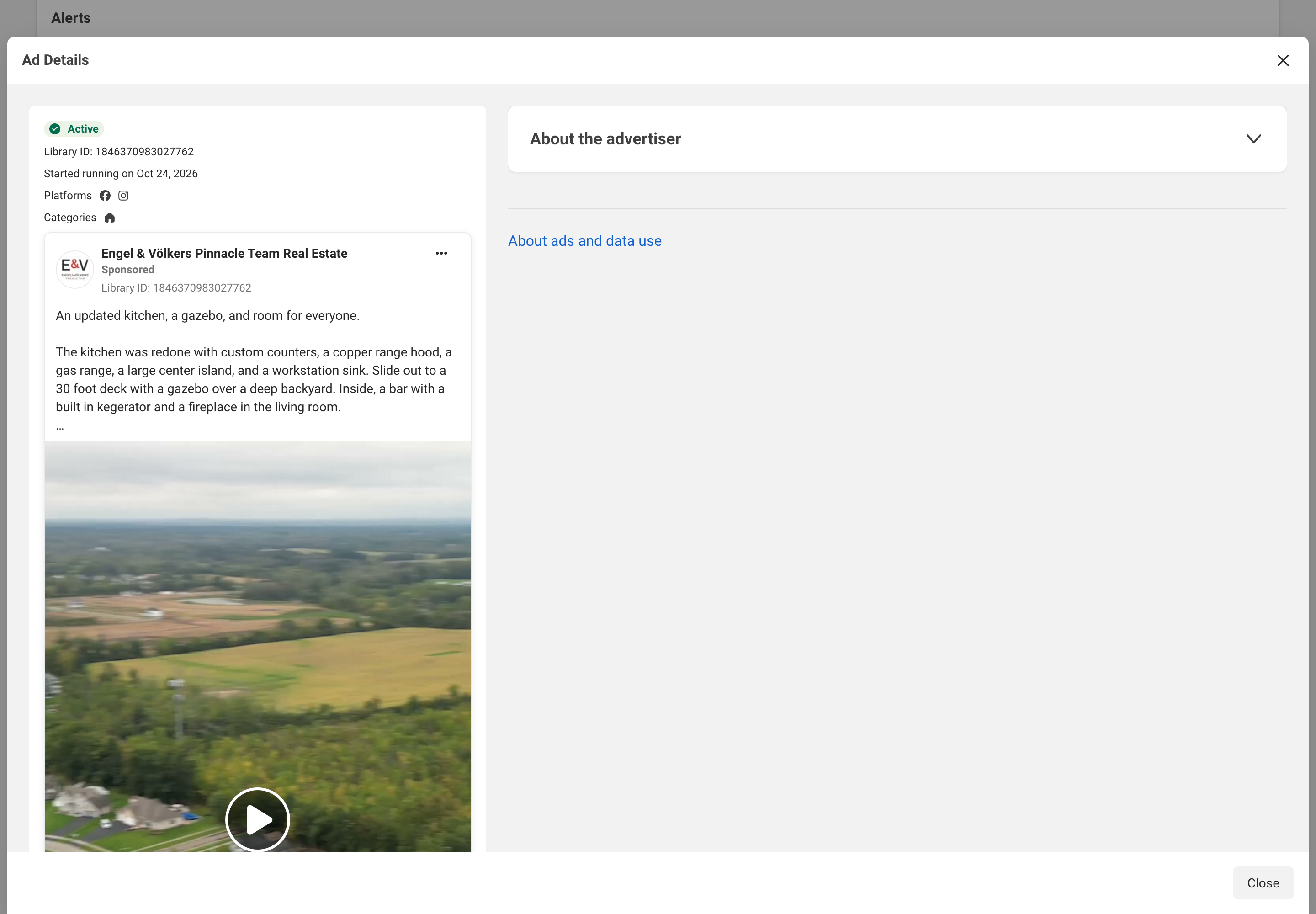
Section titled “Step 3: Open See ad details and copy the text”"See ad details" opens the Ad Details window: Library ID, start date, platforms, the full ad text, the video with its player, the call to action and an "About the advertiser" block. It is read-only, so copy the primary text and CTA into your notes by hand or take a screenshot.
Step 4: Save the video file through your browser
Section titled “Step 4: Save the video file through your browser”To download Facebook Ad Library video creatives, go through the browser, not the library. The video in the card is an ordinary video element playing an .mp4 file from a fbcdn.net host. The player's controls, as labelled in the page markup, are Play, Change Position, Settings, Enter fullscreen, Change volume and Unmute; none of them is Download. The Settings menu did not open in our run, so we could not check what is inside it.
The route that remains is the browser's own: open the video in a new tab, then use Save video as. The file address is temporary, so save the file right away instead of bookmarking the address.
Step 5: Save the image file the same way
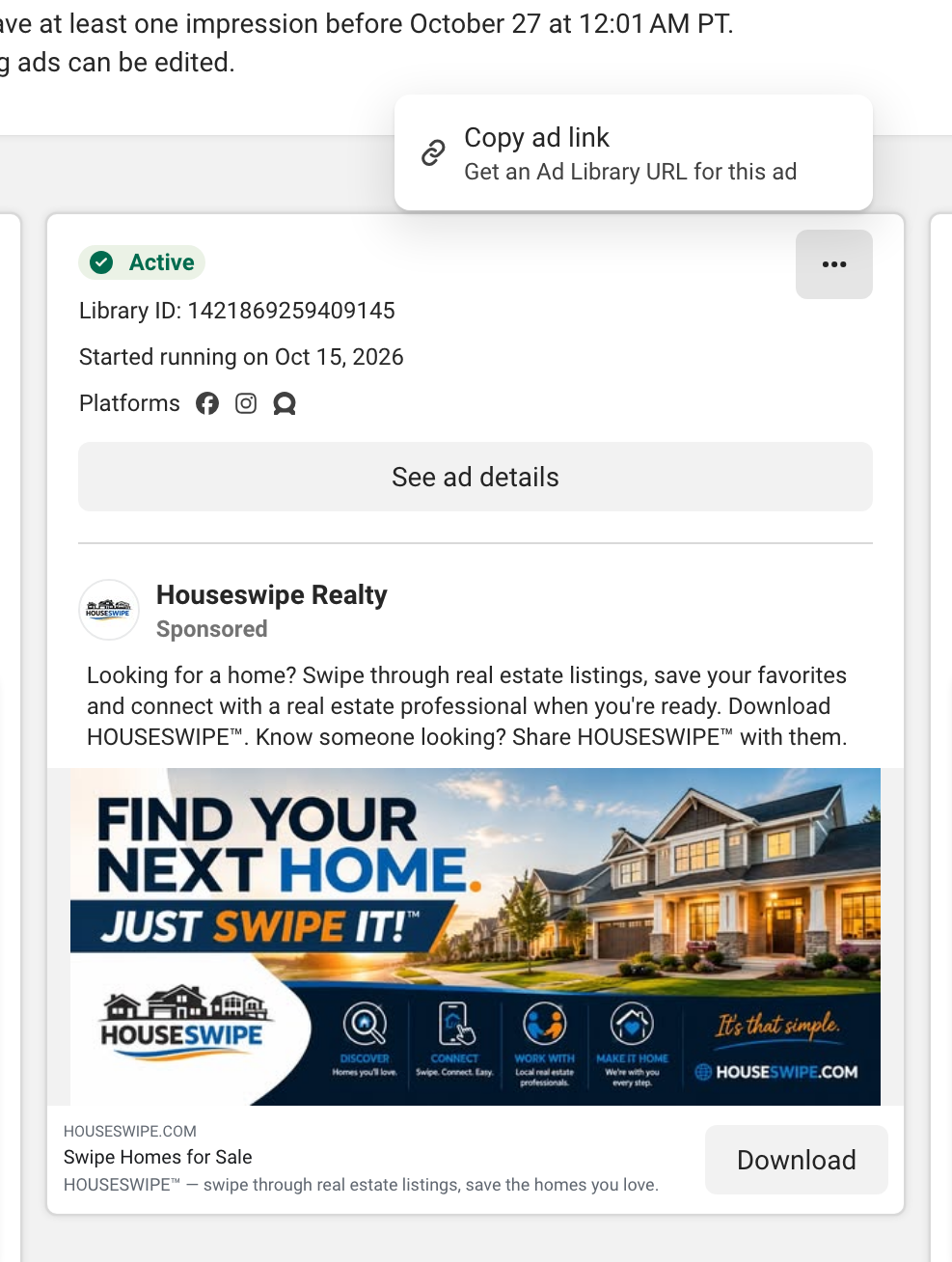
Section titled “Step 5: Save the image file the same way”Our image example was from Houseswipe Realty (Library ID 1421869259409145). The picture is a regular file on a scontent fbcdn.net host: right-click and choose Save image as, or open it in a new tab first. There is no bulk route in the card, so images are saved one at a time.
The Ad Library Report: the one real download button
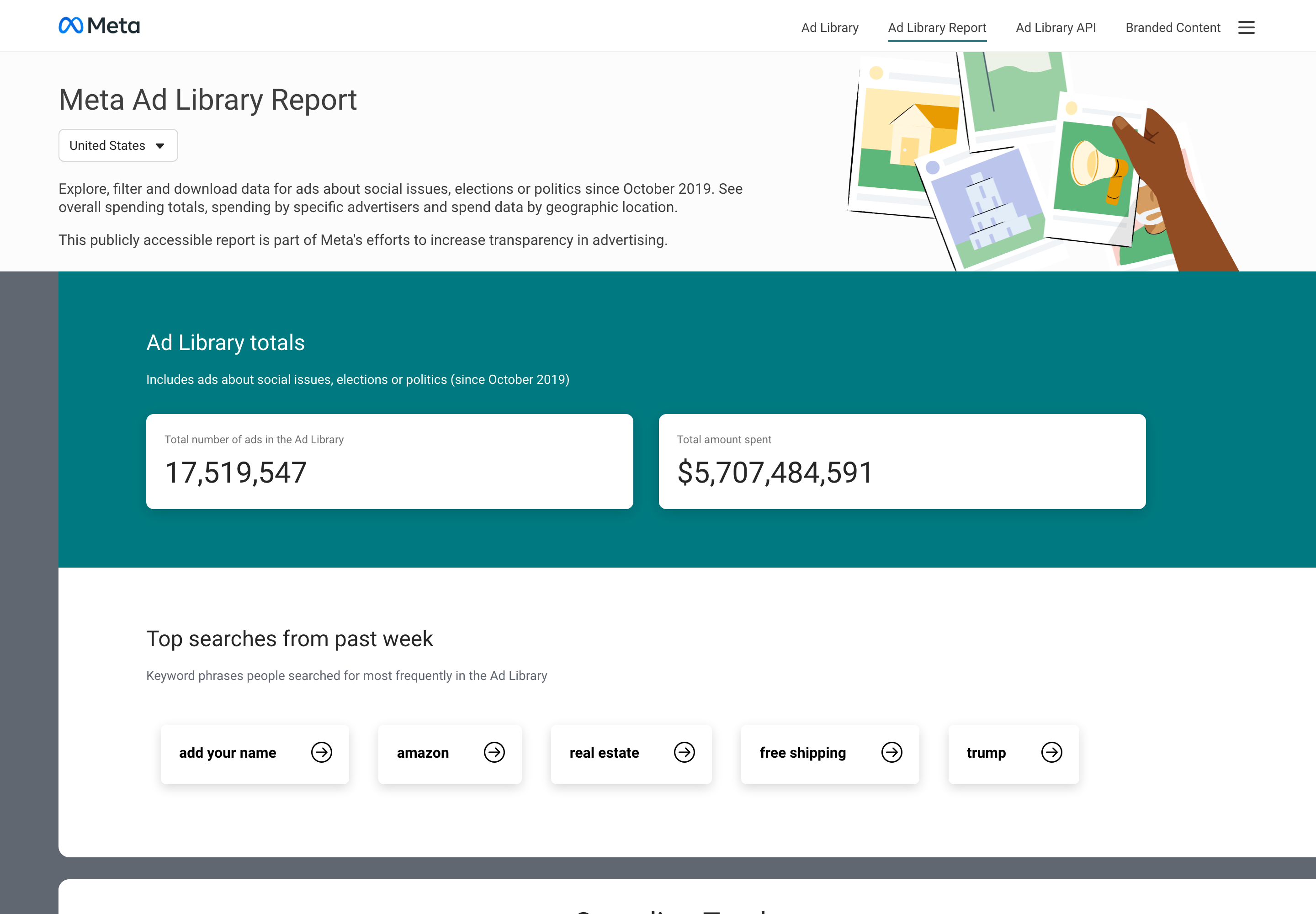
Section titled “The Ad Library Report: the one real download button”The Ad Library Report page has a "Download report" button. Meta describes the report as data for ads about social issues, elections or politics since October 2019. It does not cover ordinary commercial ads, so it will not help with a swipe file of e-commerce or real estate creatives.
The Ad Library API: who it is for
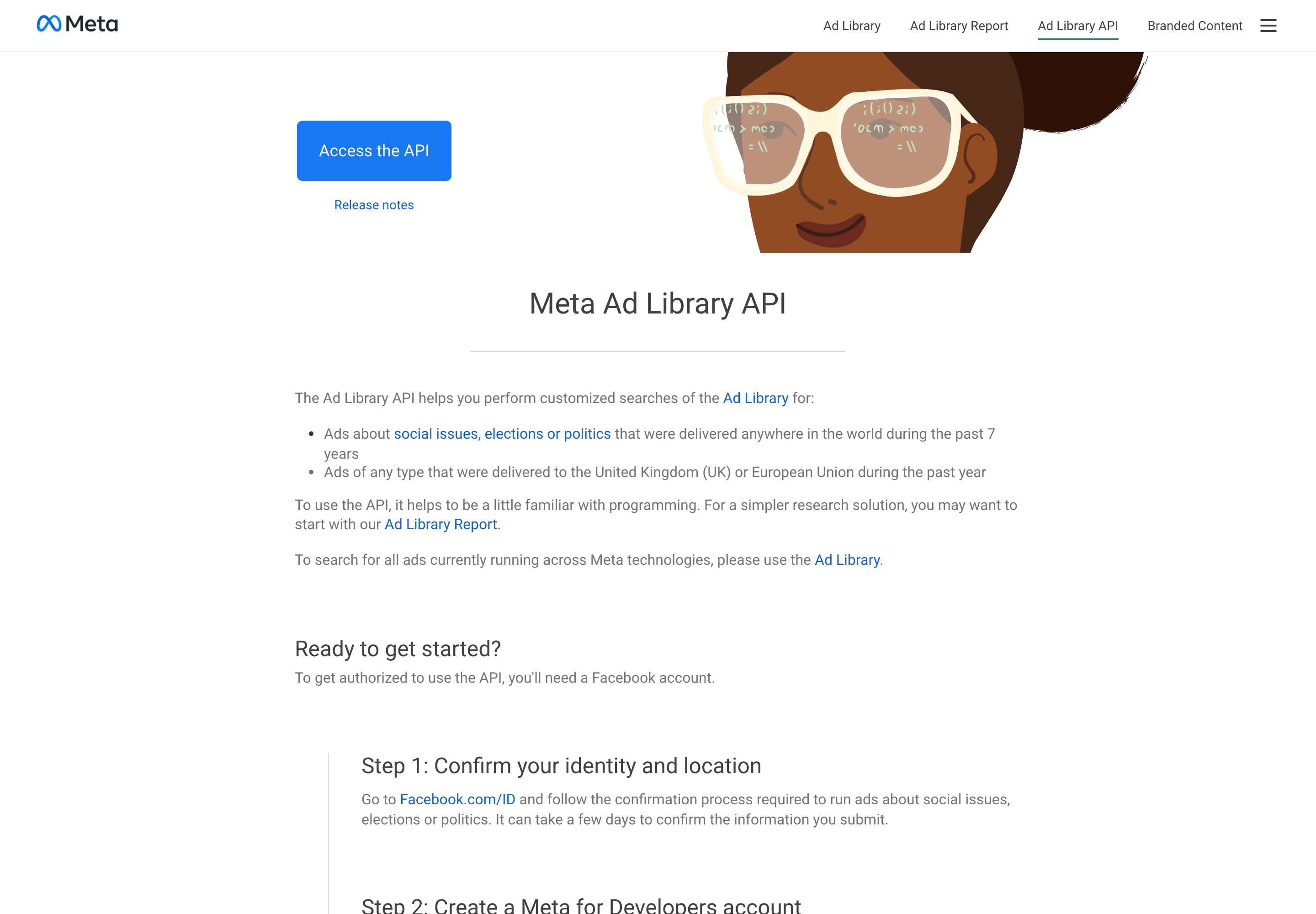
Section titled “The Ad Library API: who it is for”Per Meta's API page (read 30 October 2026), the API covers ads about social issues, elections or politics delivered anywhere in the past 7 years, and ads of any type delivered to the UK or EU in the past year. Each ad comes with its Library ID, creative content (subject to Meta's Terms of Service), Page name and Page ID, delivery dates and where it appeared. Access needs a confirmed identity and a Meta for Developers app. A commercial ad shown only in the US is not in the API: for currently running ads Meta points back to the Ad Library itself.
Save early: what the library keeps
Section titled “Save early: what the library keeps”According to Meta's help pages (checked 30 October 2026), the library shows all active ads, and ordinary commercial ads outside the EU and UK are not archived once they stop running. Political and issue ads stay for 7 years; ads delivered to the EU or UK are archived for one year after their last impression. For a commercial US ad, that means the copied link may stop showing anything, so save the file and details while the ad is live. A third-party archive such as Spytrend keeps an advertiser's stopped ads in its search results, so they can still be found by name after Meta drops them.
Is there a Facebook Ad Library download button for ads?
Section titled “Is there a Facebook Ad Library download button for ads?”No. Both ads we checked had a single card-menu item, Copy ad link. The only Download button in the library is on the Ad Library Report, which covers political and issue ads.
How do I download Facebook Ad Library video files?
Section titled “How do I download Facebook Ad Library video files?”Through your browser: open the video in a new tab and choose Save video as. The video is an .mp4 file on a fbcdn.net host and its address is temporary, so save it promptly. We found no download control among the player’s buttons; its Settings menu did not open in our check.
Can I save an ad image from the Meta Ad Library?
Section titled “Can I save an ad image from the Meta Ad Library?”Yes, with the browser: right-click and choose Save image as, or open the image in a new tab. The Ad Library itself offers no image download.
Does the Download report button export all ads?
Section titled “Does the Download report button export all ads?”No. The Ad Library Report covers ads about social issues, elections or politics since October 2019, not ordinary commercial ads.
Can the Ad Library API download commercial ads?
Section titled “Can the Ad Library API download commercial ads?”Only ads delivered to the UK or EU, for the past year. Elsewhere it returns ads about social issues, elections or politics. Access requires identity confirmation and a Meta for Developers app.
Will a saved ad link keep working after the ad stops?
Section titled “Will a saved ad link keep working after the ad stops?”Not necessarily. Meta says ordinary commercial ads outside the EU and UK are not archived and are visible only while active, so a Copy ad link URL may stop showing the ad. Keep the file and its details as well.