Instagram ads library: how to see a brand's Instagram ads
The Instagram ads library is the Meta Ad Library, since Instagram has no separate one. Search a brand at facebook.com/ads/library and check each ad’s Platforms row. In Spytrend’s index, 94.02% of Meta ads launched 16 October–14 November 2026 included Instagram.
| Placement | Meta ads launched 16 October–14 November 2026 (Spytrend’s index, counted 15 November 2026) | Share of all ads in the window |
|---|---|---|
| All Meta ads in the window | 164,432,220 | 100% |
| Instagram (among placements) | 154,603,733 | 94.02% |
| Facebook (among placements) | 151,678,703 | 92.24% |
| Both Instagram and Facebook | 141,853,603 | 86.27% |
| Instagram without Facebook (derived) | 12,750,130 | 7.75% |
| Facebook without Instagram (derived) | 9,825,100 | 5.97% |
Why there is no separate Instagram ad library
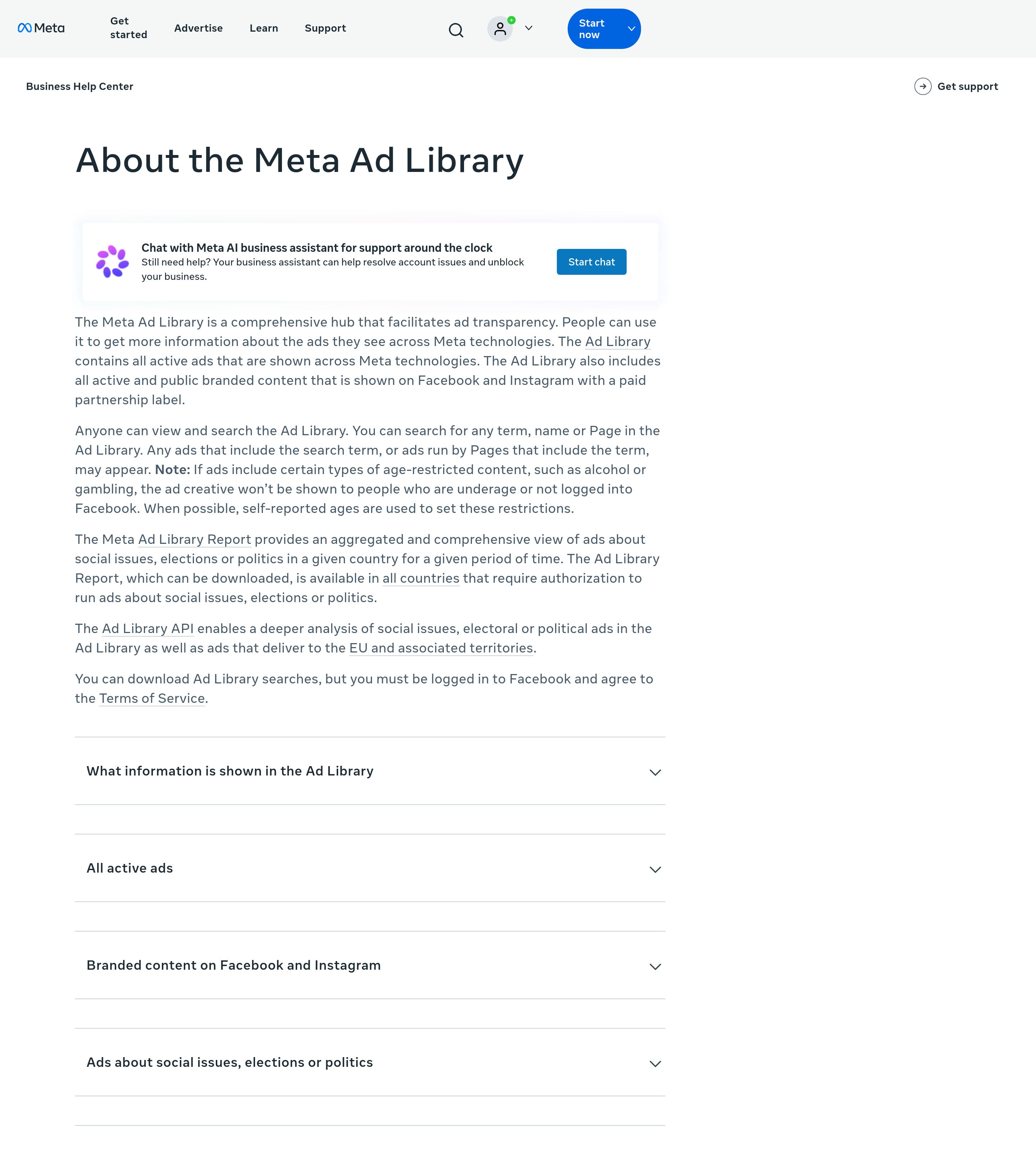
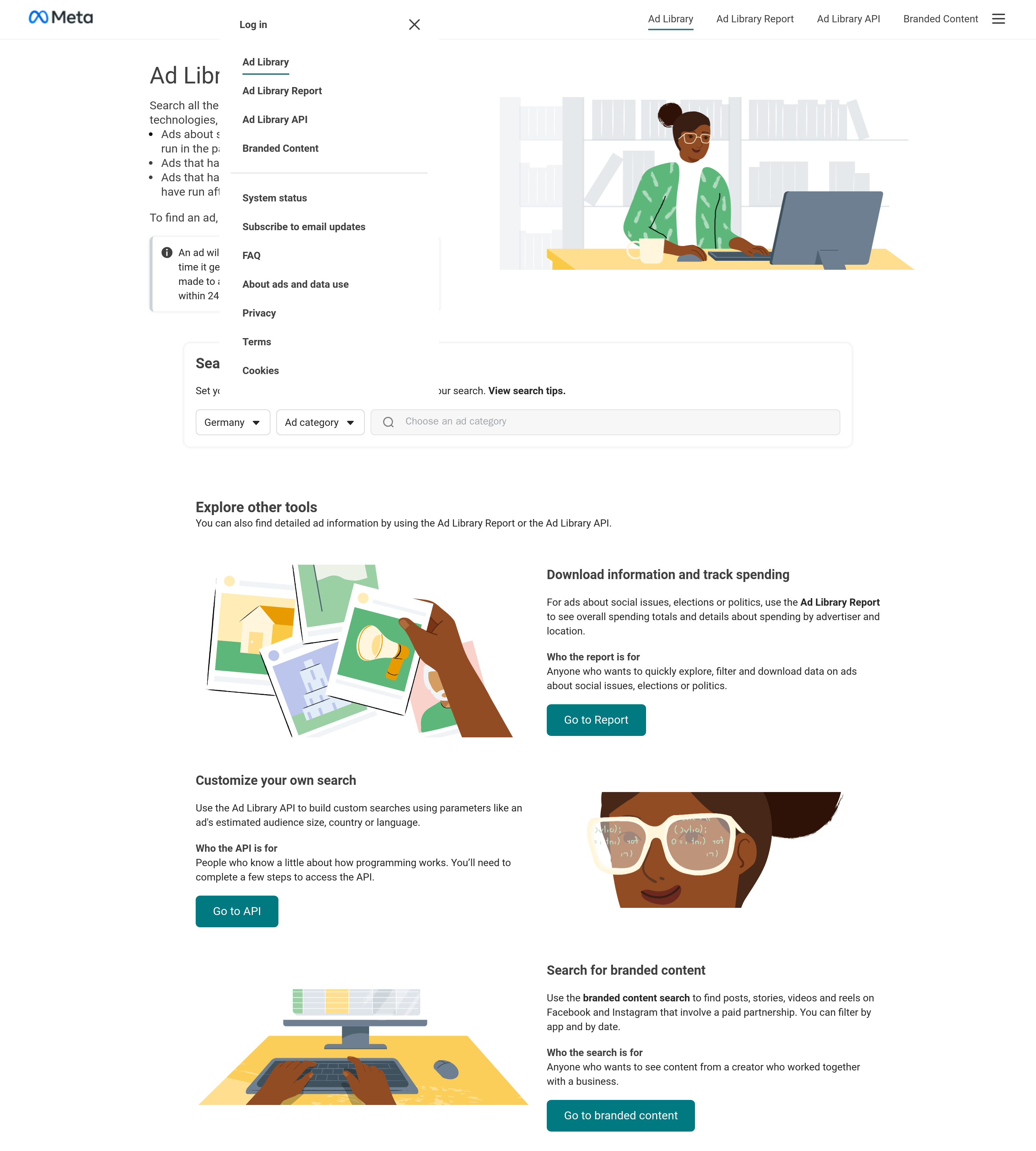
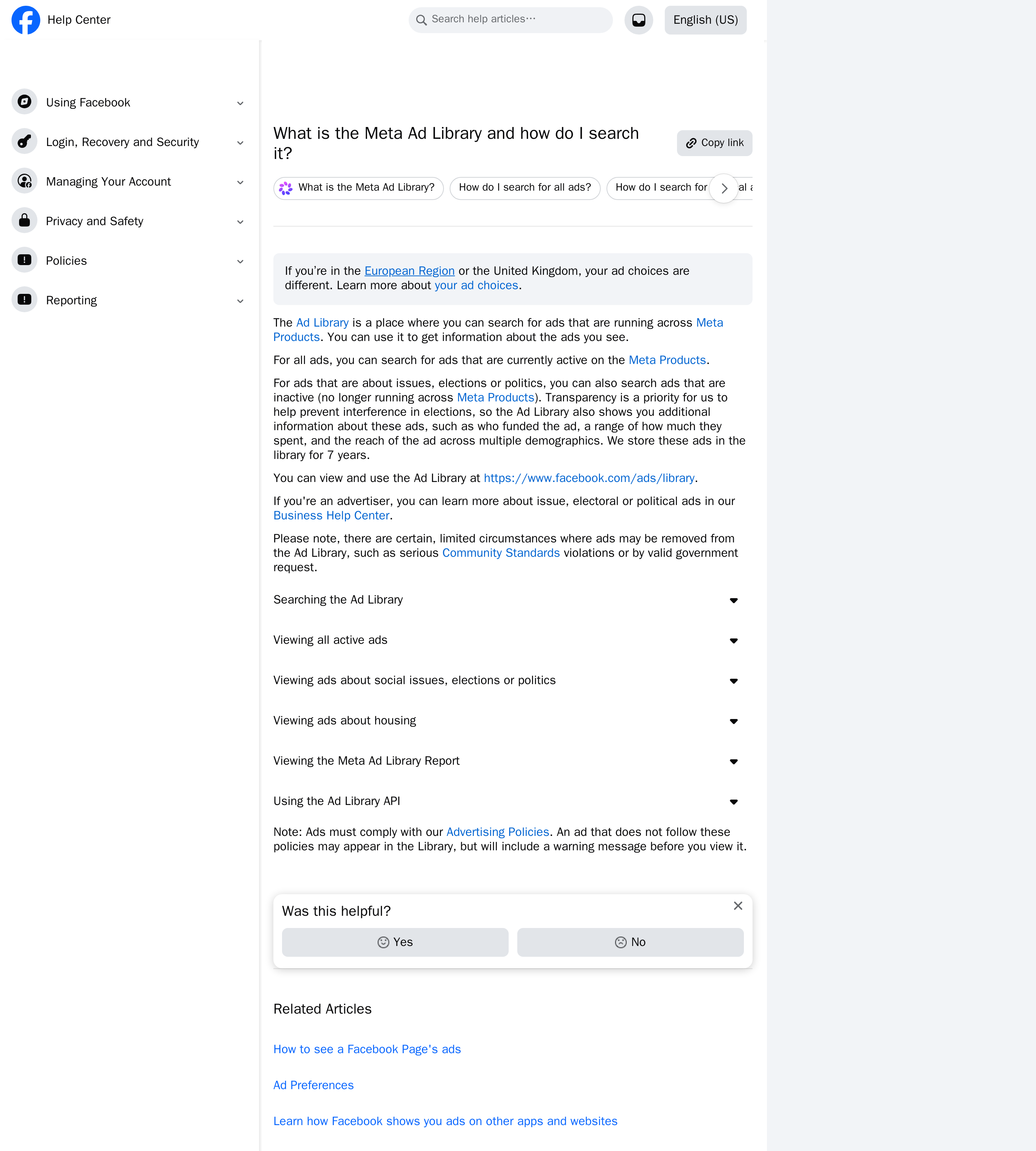
Section titled “Why there is no separate Instagram ad library”Meta runs a single Ad Library for all of its apps. Its Help Center describes the library as a place to search for ads running across Meta Products. Its Business Help Center says the library contains all active ads shown across Meta technologies. On the library's start page, which we captured on 15 November 2026, the top menu has four entries: Ad Library, Ad Library Report, Ad Library API and Branded Content. None of them is for Instagram alone. There is no separate IG ads library to look for. The Meta Facebook Instagram ad library is one database at facebook.com/ads/library.
Instagram only comes in at the end. Each ad records where it ran, so you first find a brand's ads and then check which ones ran on Instagram.
Step 1: Open the Ad Library and set location and category
Section titled “Step 1: Open the Ad Library and set location and category”Go to facebook.com/ads/library. Before you can search, the page asks you to set your location and choose an ad category. Pick the country where the brand advertises. When we captured the page, Germany was already selected, so check this field before searching. For commercial ads, choose the all-ads category. Our test search ran with ad_type=all in the address bar.
The start page also says an ad appears in the library within 24 hours of its first impression, and edits show up on the same schedule. A campaign that launched this morning may not be visible yet.
Step 2: Search the brand by name, Page or domain
Section titled “Step 2: Search the brand by name, Page or domain”Enter a keyword, an advertiser name or a Page. According to Meta's Business Help Center, results can include ads that contain the search term and ads run by Pages whose names contain it. A website domain also works as a keyword.
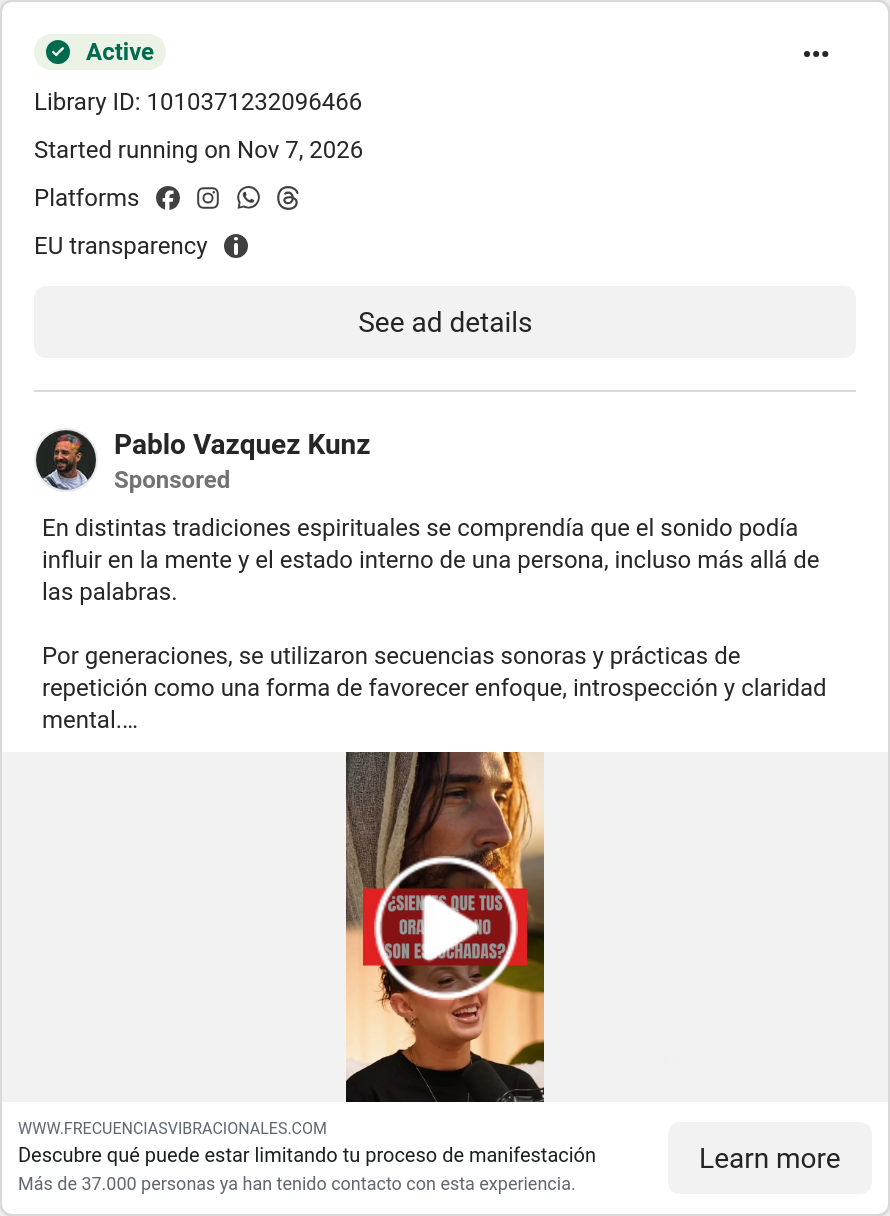
We tested this on 15 November 2026 with the domain frecuenciasvibracionales.com. It belongs to a Spanish-language advertiser listed in Argentina, so we set the country to Argentina and showed active ads only. The library reported about 66 results. We took the first card as it came. It was from a Page called Pablo Vazquez Kunz, whose name has nothing to do with the domain. It matched because the ad links to www.frecuenciasvibracionales.com. That is the point of searching by domain: it can turn up ads from a Page whose name you wouldn't think to search for.
Step 3: Read the Platforms row on each card
Section titled “Step 3: Read the Platforms row on each card”Each result card shows the status (Active), the Library ID, the start date, a row of Platforms icons, the Page name and the ad text. The Platforms row is where Instagram appears. There is no Instagram-only section, so you check where each ad ran one card at a time.
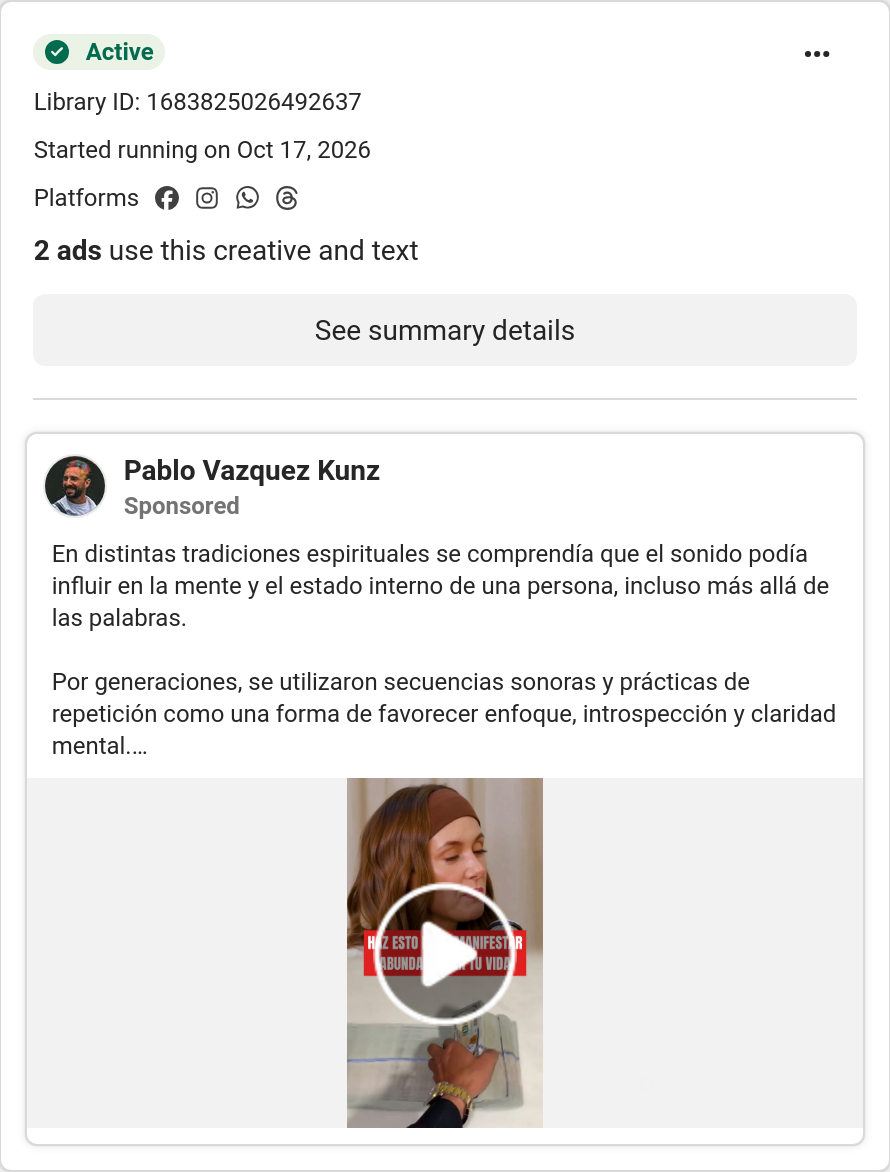
The library groups repeated creatives. In our search, two cards that started on 17 October 2026 carried the note “2 ads use this creative and text”. They opened summary details instead of ad details. Count these as versions of one creative, not as two different ideas.
Facebook vs Instagram ads: how much they overlap
Section titled “Facebook vs Instagram ads: how much they overlap”We counted Meta ads by placement in Spytrend's ad index, which is a third-party archive and not Meta's library. The count covers ads launched from 16 October to 14 November 2026 and was taken on 15 November 2026. Two different bases are used here. Out of all 164,432,220 ads in the window, 7.75% ran on Instagram without Facebook and 5.97% ran on Facebook without Instagram. Out of the ads placed on Instagram, 91.75% were also placed on Facebook.
Treat these numbers as a placement mix, not a count of the whole market. They count unique ad IDs in that index, including template (DCO) copies and cloaked ads, which we did not filter out. One ad can run on several placements, so the rows don't add up to the total. Each “without” row is a platform's count minus the ads that ran on both. For this guide, the takeaway is simple. Most of a brand's Instagram ads show up next to its Facebook ads, and the Platforms row tells you which few ran on only one of the two.
Is the Instagram ads library free?
Section titled “Is the Instagram ads library free?”Yes. Meta keeps the Instagram ad library free. There is no paid tier, and its Business Help Center says anyone can view and search it. You only need to log in to Facebook to download searches, or to see the creative of age-restricted ads such as alcohol or gambling.
The real limit is how long ads stay. Meta's Help Center says that for all ads, you can search the ones that are active now. Stopped ads stay searchable in only three cases:
- ads about social issues, elections or politics, which are kept for 7 years;
- ads that ran anywhere in the EU in the past year;
- ads that ran in the UK in the past year, if they ran after 1 July 2025.
The last two cases come from the library's start page. Any other commercial ad, for example one shown only in the US, drops out of the library once it stops running.
Instagram ads transparency: branded content, Report and API
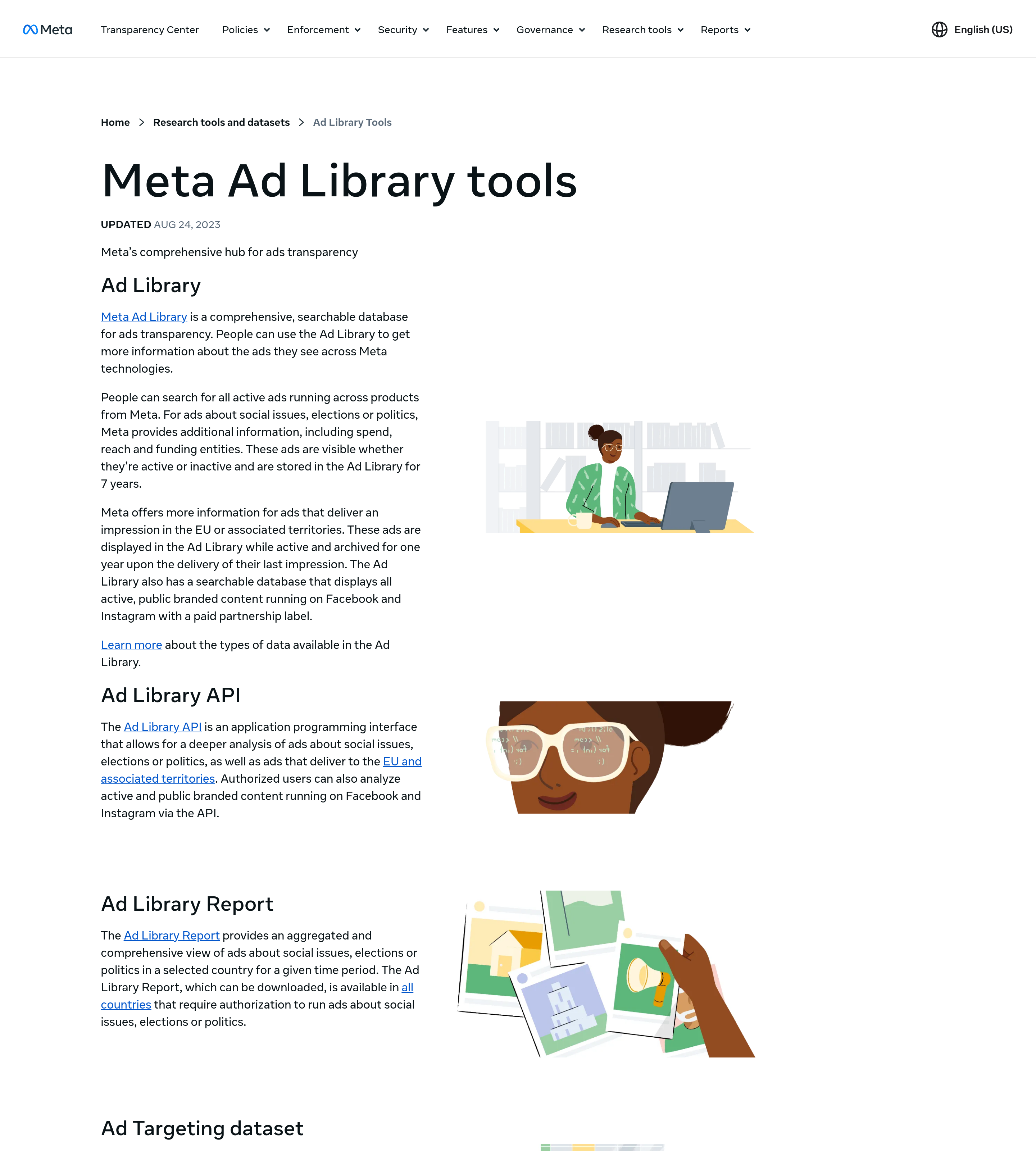
Section titled “Instagram ads transparency: branded content, Report and API”Meta's Instagram ads transparency tools go beyond ads. From the start page you can open a branded content search for paid-partnership posts, stories, videos and reels on Facebook and Instagram, and filter it by app and date. The Ad Library Report and the Ad Library API cover ads about social issues, elections and politics. The API also covers ads delivered in the EU. To check a competitor's Instagram ads, the main search in steps 1–3 is all you need.
How do I search Instagram ads in the Meta Ad Library?
Section titled “How do I search Instagram ads in the Meta Ad Library?”Open facebook.com/ads/library and set a country and an ad category. Then search for a keyword, an advertiser name, a Page or a domain. Look at the Platforms row on each result card to see whether the ad ran on Instagram.
Meta Ad Library: what is the difference between Facebook and Instagram ads?
Section titled “Meta Ad Library: what is the difference between Facebook and Instagram ads?”In the library, the only difference is where the ad ran. Both kinds of ad are in one library, and each ad shows its placements. Most ads run on both. In Spytrend’s index of Meta ads launched 16 October to 14 November 2026, 91.75% of ads placed on Instagram were also placed on Facebook.
Can I see a brand’s past Instagram ads in the library?
Section titled “Can I see a brand’s past Instagram ads in the library?”Only in three cases: ads about social issues, elections or politics (kept for 7 years), ads that ran in the EU in the past year, and ads that ran in the UK in the past year after 1 July 2025. Other commercial ads are searchable only while they are active.
Do I need a Facebook account to use the Instagram ad library?
Section titled “Do I need a Facebook account to use the Instagram ad library?”Not to browse it. Meta says anyone can view and search the Ad Library. You do need to log in to download searches. People who aren’t logged in can’t see the creative of age-restricted ads, such as alcohol or gambling.