YouTube ad library: how to find an advertiser's YouTube ads
There is no standalone YouTube ad library. Google’s Ads Transparency Center covers YouTube, so search an advertiser’s name or website there. Meta’s Ad Library won’t do: our youtube.com search on 15 November 2026 returned about 50,000 Facebook and Instagram ads, not YouTube ads.
| Where you search | What it covers | Ads that ran on YouTube? | Cost |
|---|---|---|---|
| Google Ads Transparency Center | Advertisers and their ads on Search, Display, Gmail and YouTube | Yes, according to Google’s support page | No price listed. The home page and search box opened without a sign-in on 15 November 2026, but its FAQ says certain ads need one |
| Meta Ad Library | Facebook and Instagram ads | No. Our youtube.com search returned Meta ads that link to YouTube | Free, no account needed |
| BigSpy | 11 ad channels | On Growth and higher plans | Growth $159/mo. The free plan is Facebook only |
| PowerAdSpy | 11 networks | On Platinum and higher plans | Platinum $279/mo. No free plan |
What the YouTube ads library actually is
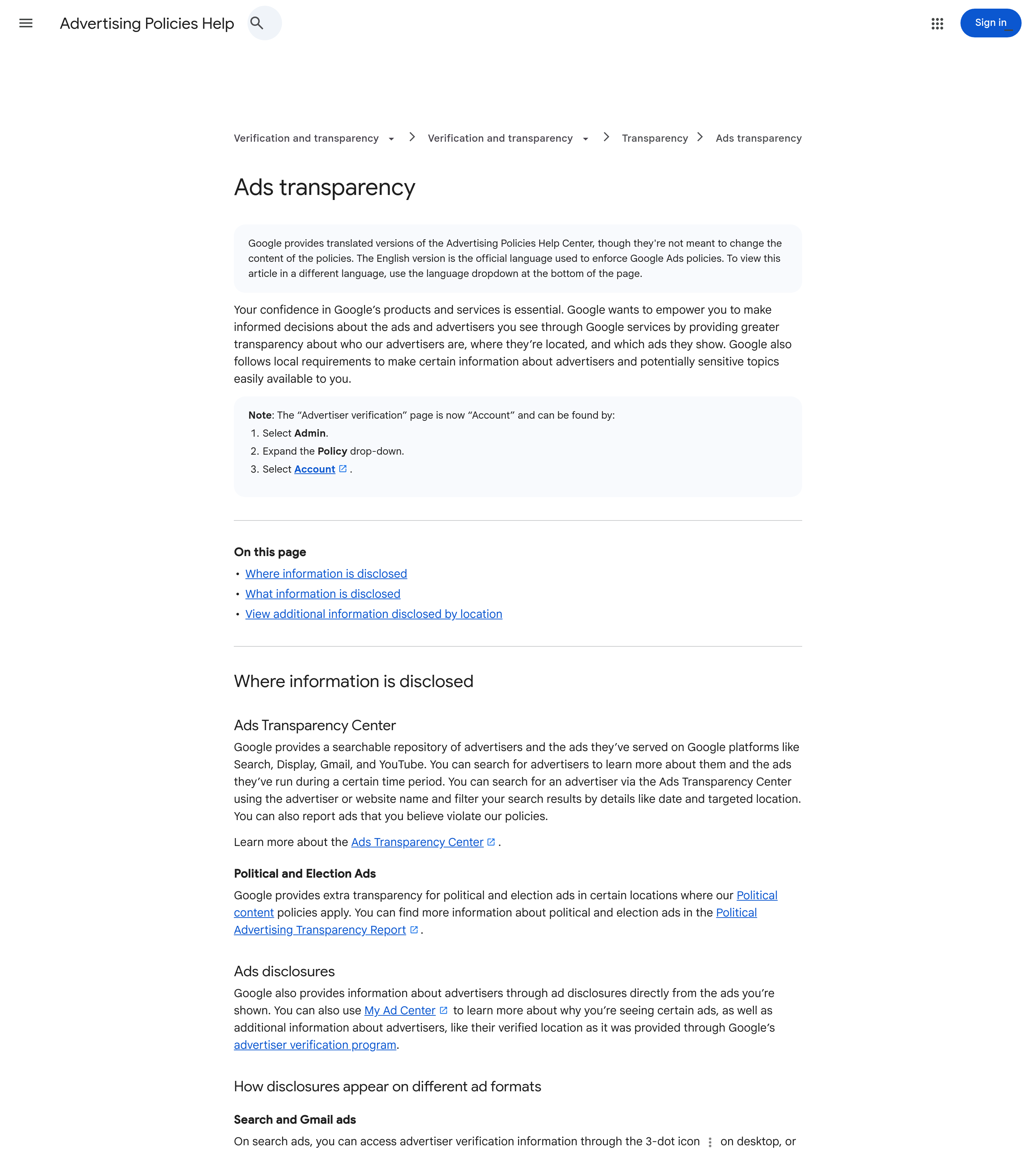
Section titled “What the YouTube ads library actually is”If you're wondering how to find YouTube ads library data, it isn't on YouTube itself. For YouTube ad transparency, Google points you to its Ads Transparency Center at adstransparency.google.com. Google's support page describes the center as a searchable repository of advertisers and the ads they've served on Search, Display, Gmail and YouTube. Its launch post from 29 March 2023 says you can also see which ads ran in a region, the last date each ad ran and its format.
How to run a YouTube ad library search, step by step
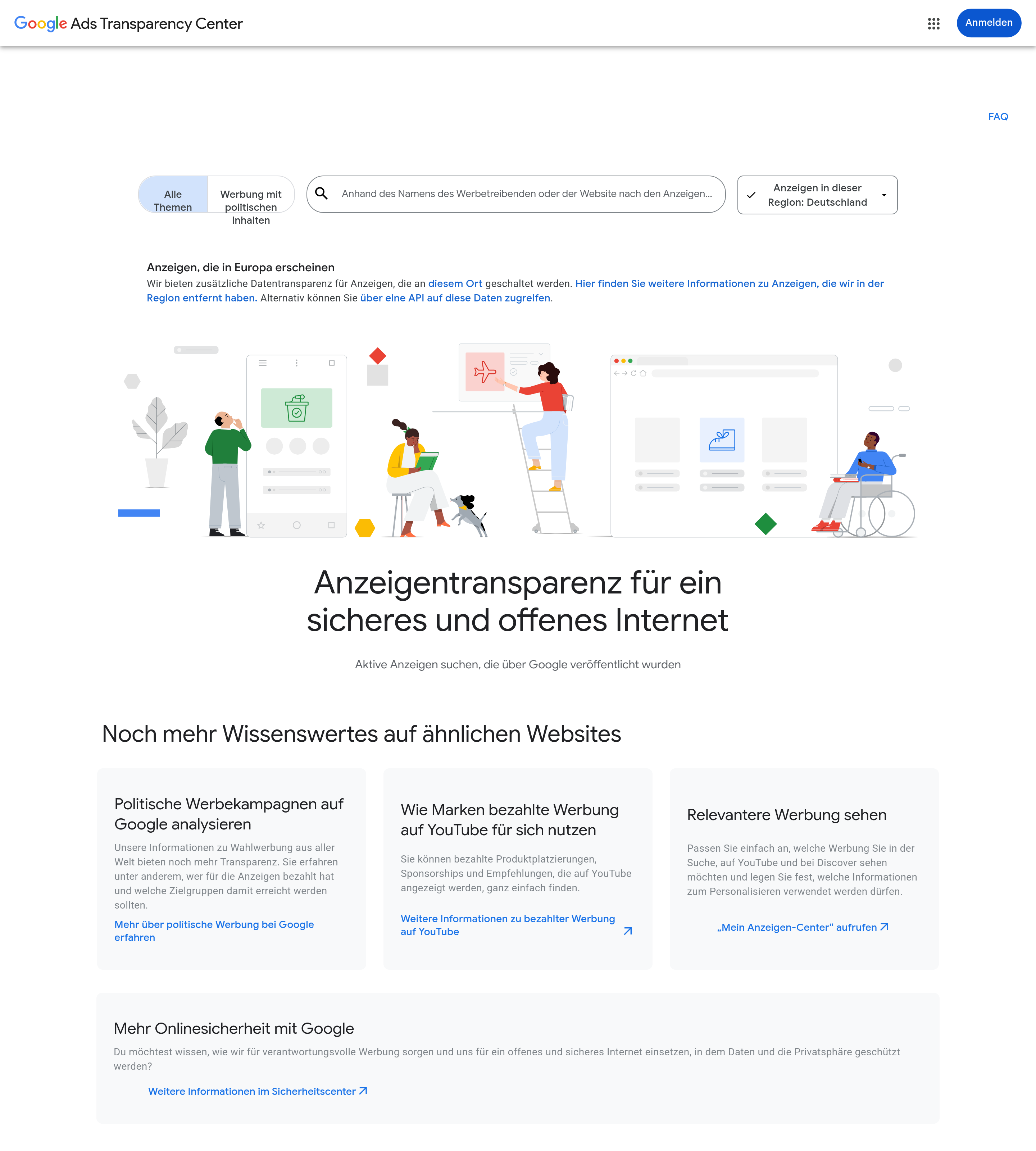
Section titled “How to run a YouTube ad library search, step by step”- Open adstransparency.google.com. The first screen has a single search field for an advertiser's name or website.
- Search for the advertiser behind the channel, not the channel itself. Verified advertisers are listed under their legal or trademark name. Unverified ones are listed under their payment profile name. Either one can differ from the channel name, so if the channel name finds nothing, try the brand's website.
- Set the region. Use the region dropdown on the home page to pick the country whose ads you want.
- Filter by date and location, then open the ads. These are the only two filters Google's pages document. Each ad shows its format and the last date it ran. Google's pages don't describe a YouTube-only filter, and they don't say how long ads are kept.
- Check the badge. Every advertiser is labeled "verified" or "unverified", which tells you whether Google has checked the name you're seeing.
What the center won’t tell you
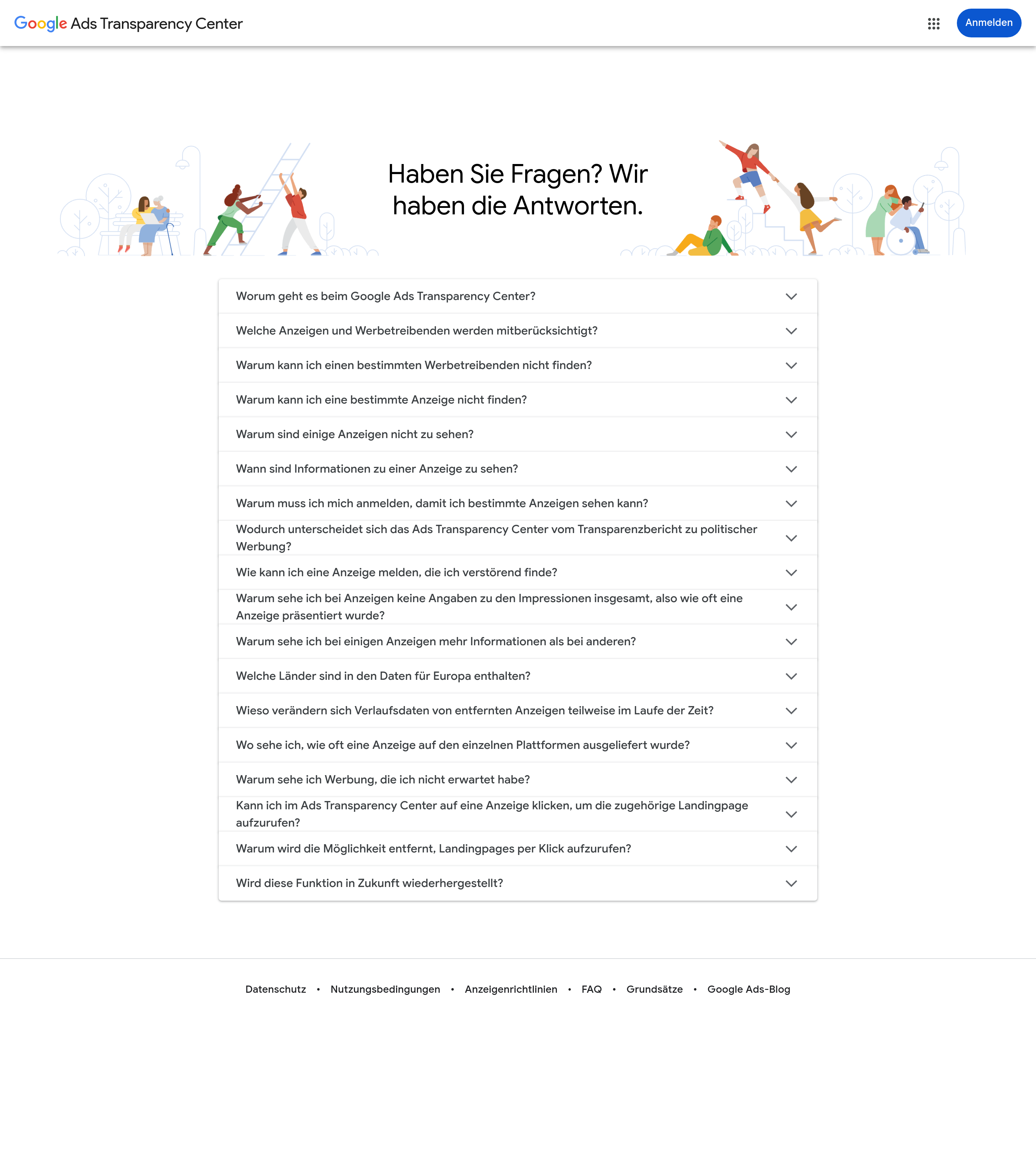
Section titled “What the center won’t tell you”We could capture the questions in the center's FAQ but not the answers. The questions alone point to four gaps:
- some advertisers and ads can't be found;
- certain ads need a sign-in;
- total impressions aren't shown;
- click-through to an ad's landing page is being removed.
So the center tells you which ads ran, where they ran and when. It doesn't tell you how many people saw them or where they sent people.
How much detail you get also depends on the country. For ads served in certain regions, with Germany as the example, Google's support page lists three extra fields: targeting, total number of recipients and a subject label. Data on ads served in the EEA is also available through an API, under the center's terms of service.
Why Meta’s Ad Library is the wrong place
Section titled “Why Meta’s Ad Library is the wrong place”On 15 November 2026 we searched Meta's library for youtube.com, set to the US and active ads only. The search returned about 50,000 results. Seven of the first eight cards promoted a YouTube channel or video, but all of them were Facebook or Instagram ads, not ads that ran on YouTube. The scale isn't small, either. Spytrend's index, which covers only part of Meta, holds 91,863 Meta ads launched between 16 October and 14 November 2026 that link to youtube.com, its subdomains or youtu.be.

Is there a YouTube ad library?
Section titled “Is there a YouTube ad library?”Not under that name. What comes closest is Google’s Ads Transparency Center, a searchable repository of advertisers and the ads they served on YouTube, Search, Display and Gmail.
Does Google Ads Transparency Center show YouTube ads?
Section titled “Does Google Ads Transparency Center show YouTube ads?”Yes, according to Google. Its support page lists YouTube among the platforms the center covers, and the 2023 launch post names Search, YouTube and Display.
Can I search YouTube ads transparency by channel name?
Section titled “Can I search YouTube ads transparency by channel name?”Not reliably. The search takes an advertiser name or a website, and ads are listed under the advertiser’s verified name or payment-profile name. Either can differ from the channel name, so try the brand’s website instead.
Is the YouTube ads library free, and what’s the best free option?
Section titled “Is the YouTube ads library free, and what’s the best free option?”Google’s Ads Transparency Center is the only free option among the ones on this page that covers YouTube. Google lists no price, and its home page and search box opened without a sign-in on 15 November 2026, though its FAQ says certain ads require one. BigSpy’s free plan covers Facebook only, and PowerAdSpy has no free plan.
Is there a paid YouTube ad library tool?
Section titled “Is there a paid YouTube ad library tool?”BigSpy and PowerAdSpy list YouTube, but only on their upper plans: BigSpy Growth at $159 a month and PowerAdSpy Platinum at $279, according to their pricing pages read on 15 November 2026. We haven’t tested their YouTube data.